How We Fixed a Broken WordPress Child Theme After an Update
 By Nithin Sunil
| July 22, 2026
By Nithin Sunil
| July 22, 2026
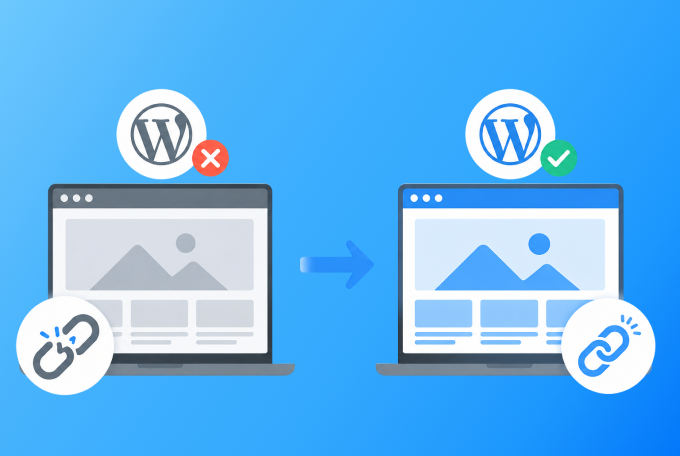
A WordPress child theme broken after update is a common issue that can unexpectedly switch your website to the default theme.
In this guide, we’ll explain what caused the problem, how we fixed it, and the steps you can take to prevent it from happening again.
The Problem
● The website was built using a parent theme + child theme
● Everything was working perfectly
● After updating plugins/themes
● The site suddenly switched to the default Twenty Twenty-Five theme
● The original child theme could not be activated again
This created confusion because no major code changes were made.
Root Cause
The issue was caused by a broken link between the parent theme and the child theme.
In WordPress, a child theme depends on the parent theme through configuration defined in the
style.css file.
If this connection breaks due to:
● Theme updates
● Folder name changes
● Missing or incorrect configuration
Then WordPress:
● Fails to recognize the child theme properly
● Falls back to a default theme
The Fix
We resolved the issue by correcting the child theme configuration.
Step 1: Open the Child Theme style.css
Step 2: Verify and Update the Header
/*
Theme Name: Your Child Theme Name
Template: parent-theme-folder-name
Version: 1.0
*/
The Template value must exactly match the parent theme folder name
Example:
● Parent folder: astra
● Then Template must be: astra
Result
● The child theme was successfully re-linked
● The website design and layout were restored
● No data or customization was lost
Key Takeaways
● Always verify the style.css file in child themes
● Never rename parent theme folders without updating the child theme
● Updates can sometimes break hidden dependencies
● Keep backups before performing updates
● Use version control (like Git) for safer deployments
Conclusion
Even small configuration issues in WordPress can break an entire site.
Understanding how parent and child themes are connected helps you:
● Debug faster
● Fix issues confidently
● Prevent similar problems in the future
Author
Related articles



Contact us

Leave us basic information about a project and we will get back to you with answer
Need instant answers?
Our AI assistant is available 24/7 to answer questions on pricing, timelines, and project scope.
Click Here